
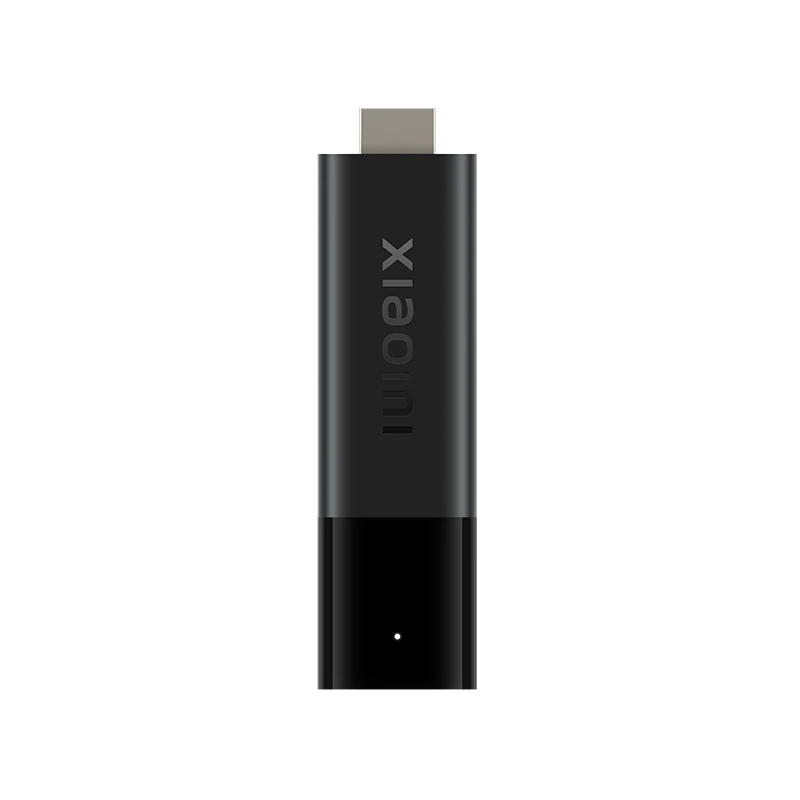
Xiaomi TV Stick 4K first generation · Publisher-documented guidance; UK IPTV account compatibility not tested. Instructions are based on publisher guidance; a UK IPTV account was not tested on this platform.
Read the model rather than only the brand
Xiaomi has several sticks and boxes with similar names. The first-generation TV Stick 4K product information describes Android TV11; the second-generation 4K stick is presented with Google TV. Check the product and settings before copying a menu path. A picture of another Xiaomi device does not establish the same software, storage or connections on the one behind your television.
Prepare the display and network
Connect the stick to the intended HDMI display and use the power arrangement documented for the model. Check that the television selects the corresponding input before investigating software. Once the home interface is available, establish a normal network connection. Record whether a problem occurs before the home screen, during app installation or only after selecting media; those stages involve different parts of the setup.
Choose software for the installed platform
Use the genuine application-store route and identify the player publisher. A service account and a player are separate, so a familiar service logo on the home screen does not prove that another subscription has been added. If a required application is missing, check its publisher’s device and region information before changing system settings or installing an unidentified file. Keep account and app-store recovery details available privately.
Test the intended viewing chain
The hardware’s 4K and audio capabilities require suitable content and other devices, as Xiaomi’s notes explain. Start with the television and sound arrangement you intend to keep. Check picture, sound and remote navigation separately. Give support the model, player and error rather than saying only that you own a Xiaomi stick. This preserves the distinction between this Android TV product and later Google TV hardware.
Questions, answered
Does every Xiaomi stick use the same interface?
The manufacturer lists different software presentations across generations. Identify the exact model first; the first-generation 4K stick’s Android TV description should not be silently applied to a second-generation Google TV model.