

























The service account
The agreed access, term and connection allowance. Confirm the actual offer with the service before ordering.
UK IPTV · plans, players & practical support
Make more of your next night in. Compare UK IPTV subscription plans, find the right player for your screen and get clear, practical help with your setup.
Install your compatible player, then WhatsApp IPTV UK to request a one-day free trial. Support confirms eligibility and conditions.

Big-screen thinking.
Everyday simplicity.
Platforms & entertainment
Sport & competition
Discover the guides behind the names. Platform memberships and programme rights are separate from a UK IPTV enquiry.
Explore the guides
Guides to independent platforms, their accounts and viewing models. Logos identify subjects; they are not a UK IPTV package list.
Explore the guides
Football, rugby, cricket, tennis and racing: understand the competition before checking the current broadcast.
Explore the guides
Explore film and series reference notes. Check the exact edition, release information and current viewing option with the relevant service.
IPTV in the UK, explained
Start with a clear picture of what you are choosing. It makes the plan, the software and the next step easier to compare.
IPTV means television delivered using Internet Protocol networks. It describes how a programme reaches your screen. UKIPTV.app brings together UK IPTV subscription enquiries, player guidance and practical viewing resources so you can work out what your own setup needs.
A useful starting point is the device already in your home. A smart TV, a Fire TV device and an Apple TV can use different software, even when they are connected to the same television. Identify the operating system, choose an appropriate player and then confirm the account conditions.
Keep the complete price, viewing mode and connection allowance in the same conversation. Those details tell you more about the suitability of an offer than a long list of familiar logos. If you are new to IPTV in the UK, the guides below help you understand each part before you commit.
The agreed access, term and connection allowance. Confirm the actual offer with the service before ordering.
The interface that organises and plays your authorised source. Its developer, store and software fee have their own conditions.
The television, streaming box, phone or computer, plus the network and display settings that shape the result.
Choose where to begin
You do not need to understand every technical term before making a useful first choice. Pick the question that is yours today.

For your home
See the full GBP amount for one, three, six or twelve months. Compare the length of commitment, then confirm the account details that matter to your household.
Compare the plans ↗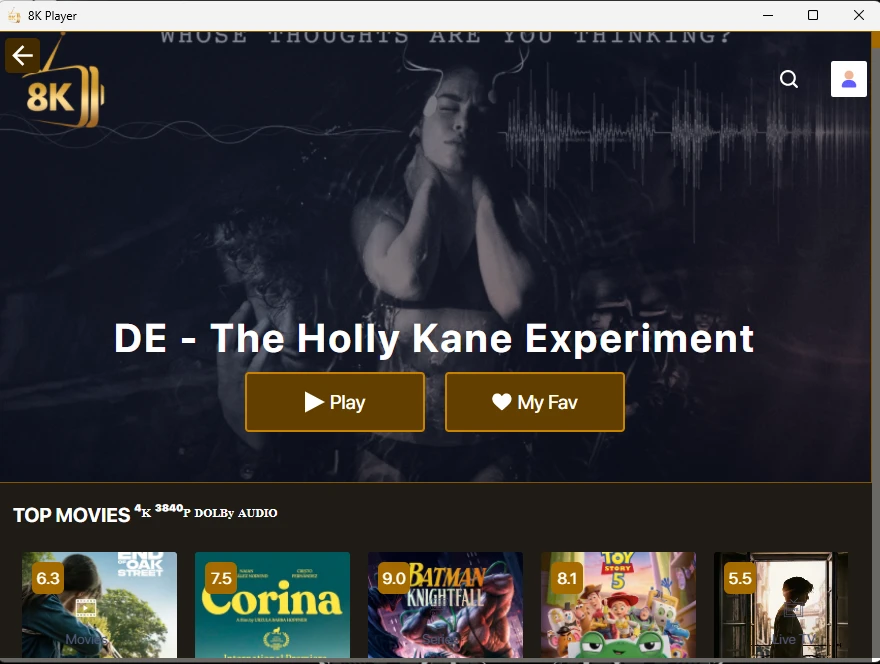
For your screen
Choose an installation route for your actual platform. Learn the difference between an app licence, account details, a playlist and a programme guide.
Explore player guidance ↗
For your business
Discuss the credit quantity, what credits purchase, the complete GBP amount and the responsibilities behind customer provisioning and support.
Explore reseller enquiries ↗Personal subscriptions
A short first commitment or a longer viewing routine: compare the complete price in pounds before you choose.
A shorter commitment
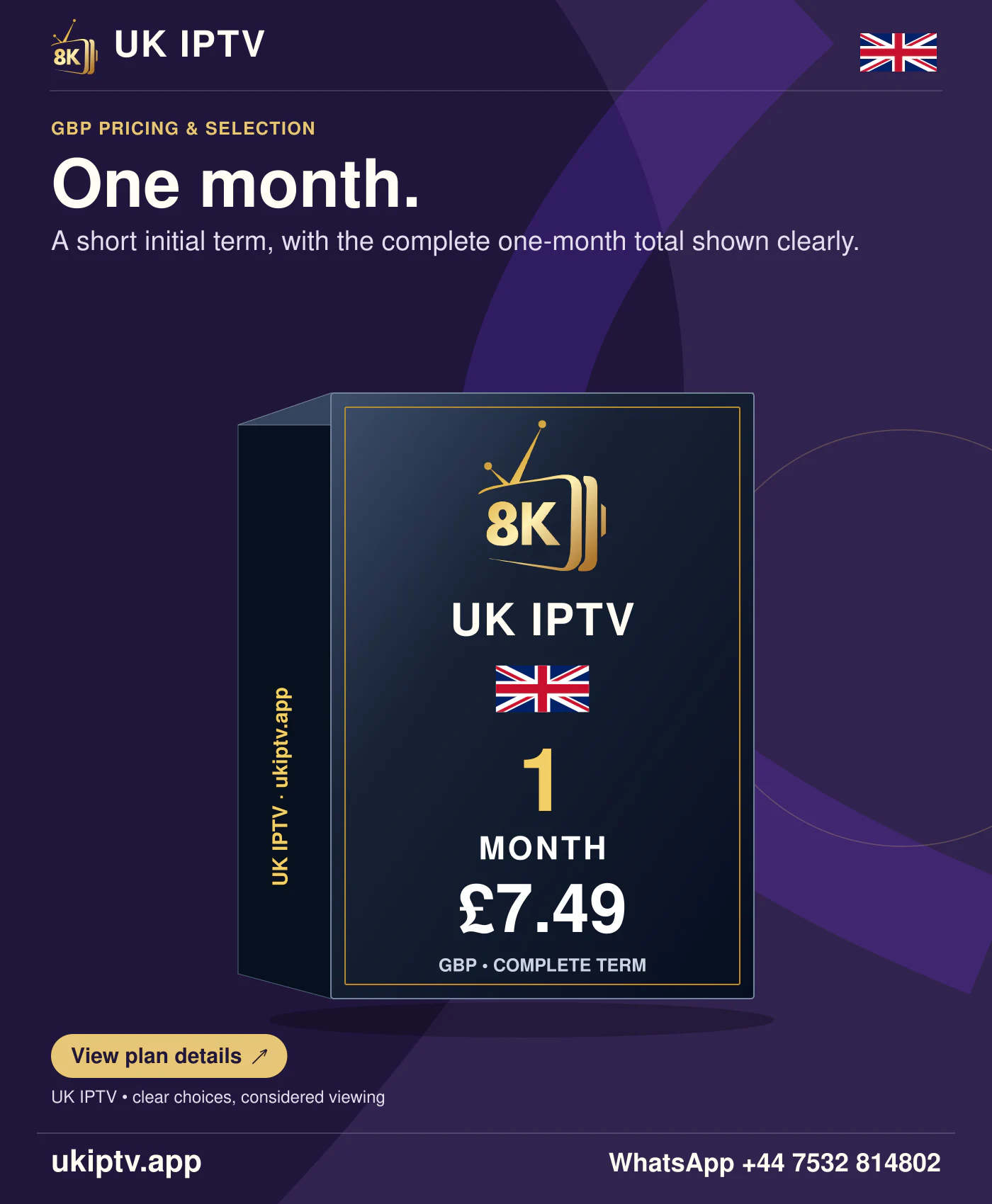
£7.49GBP · full-term total
Begin with a month after checking your device and the conditions that apply to your account.
Plan a little further ahead
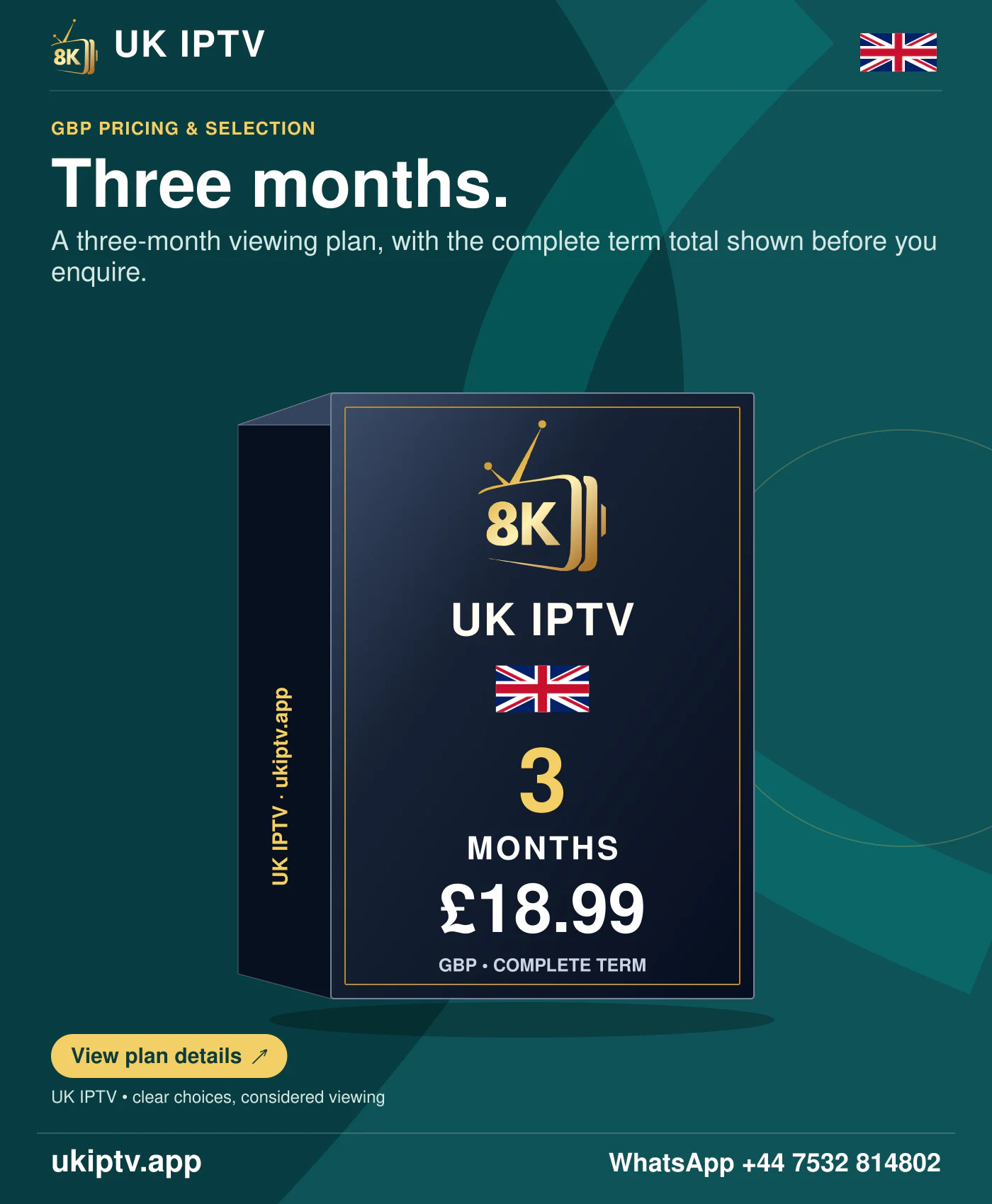
£18.99GBP · full-term total
Compare a three-month commitment once your usual screen and player have been checked.
Settle into your routine
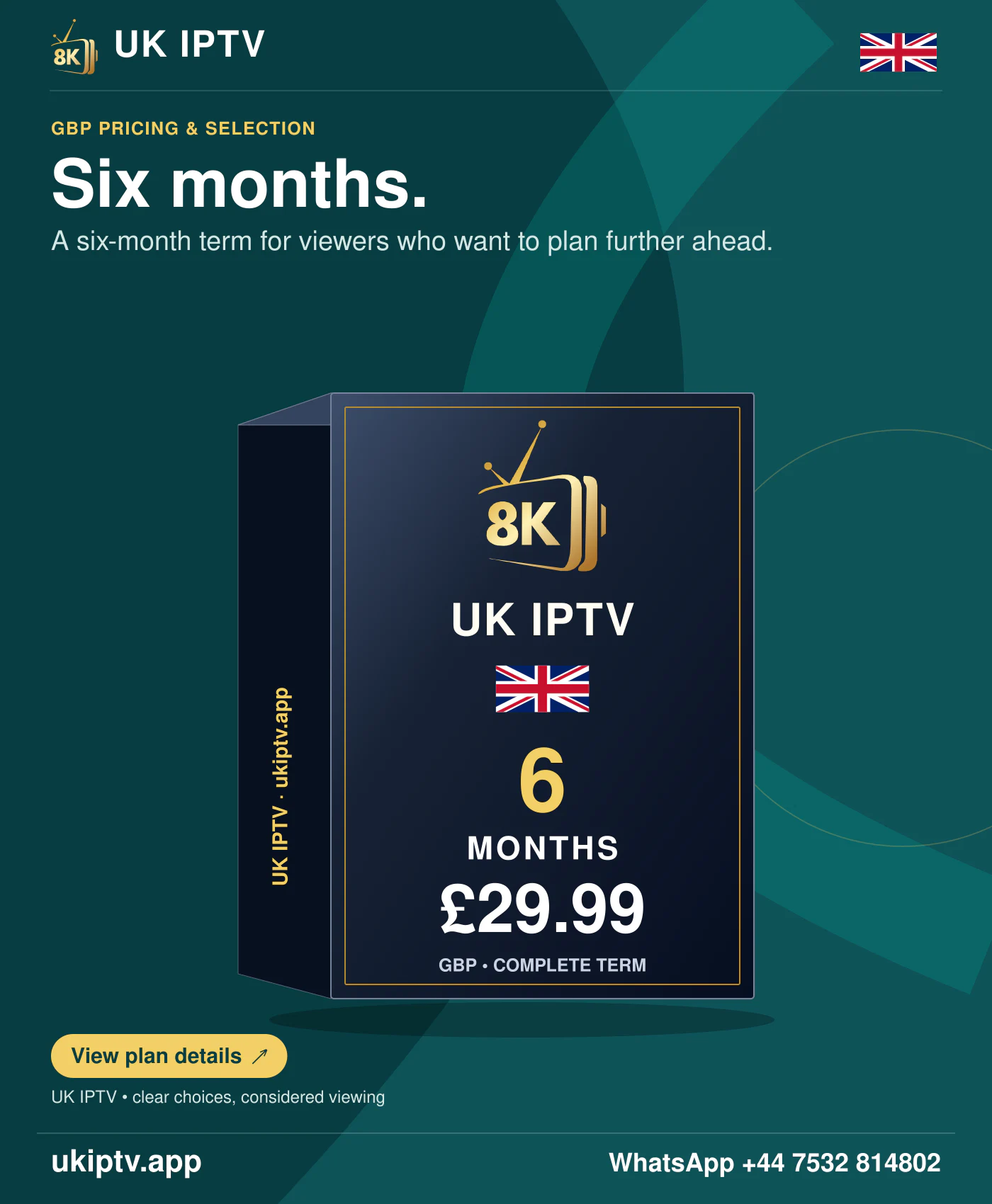
£29.99GBP · full-term total
A six-month term for a setup you already understand, with the full amount clear from the start.
The full-year option
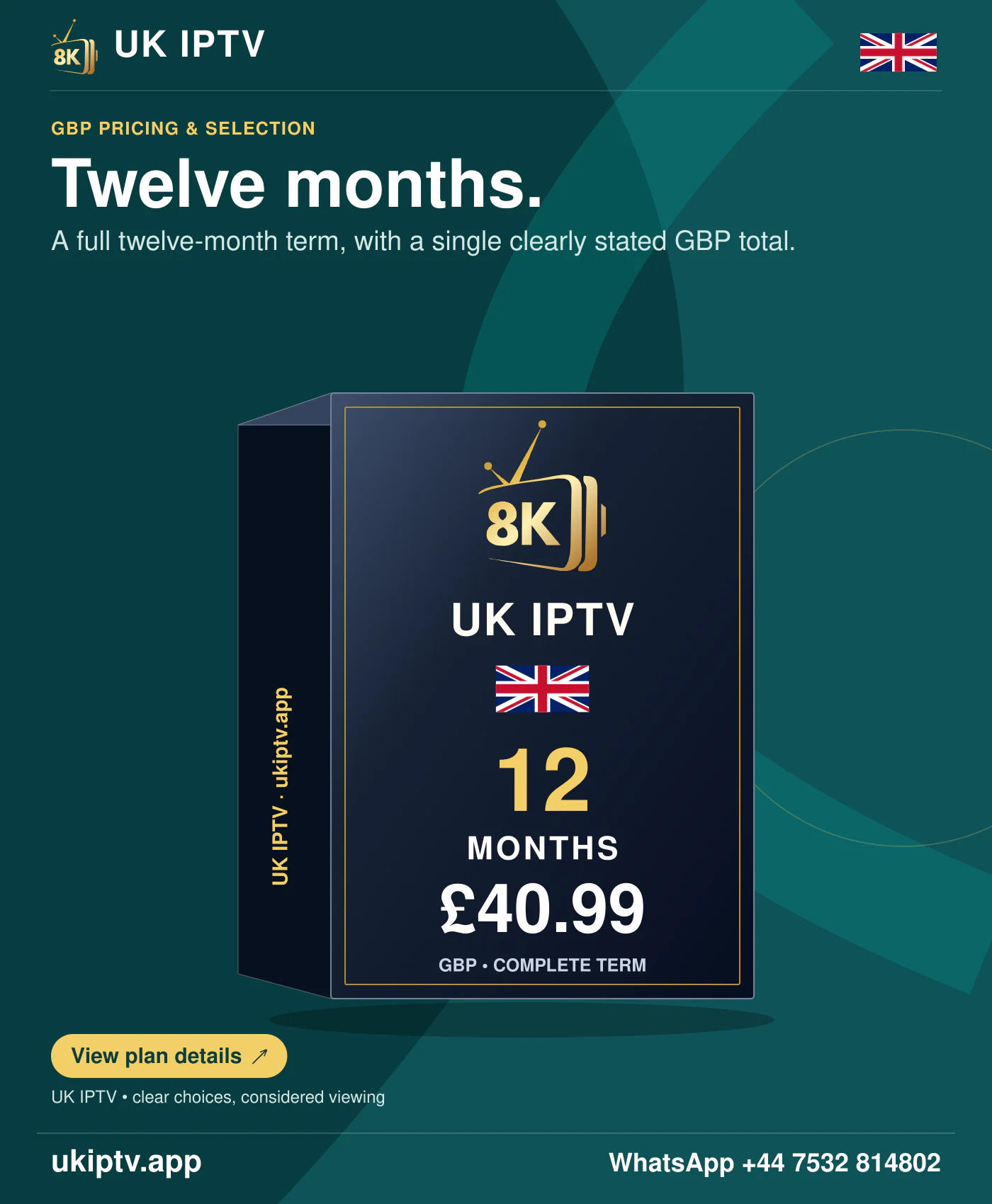
£40.99GBP · full-term total
Choose twelve months after considering the longer commitment and the applicable renewal terms.
Each headline amount is the total for the selected term. The monthly equivalent below is a rounded comparison, not an instalment or a separate payment option. A longer term changes the commitment; it does not establish a different connection allowance.
Before payment, confirm the start arrangements, renewal, any player fee and the applicable cancellation or refund conditions. Keep the agreed term and total with your purchase record.
Read the complete pricing guide ↗| Term | Full total | Equivalent / month | Details |
|---|---|---|---|
| 1 month | £7.49 GBP | £7.49 | View term ↗ |
| 3 months | £18.99 GBP | £6.33 | View term ↗ |
| 6 months | £29.99 GBP | £5.00 | View term ↗ |
| 12 months | £40.99 GBP | £3.42 | View term ↗ |
GBP. Equivalents rounded to two decimal places. Confirm the applicable purchase conditions before proceeding.
From a question to a first test
Install your compatible player, then WhatsApp IPTV UK to request a one-day free trial. Support confirms eligibility and conditions.
Find the exact device model and installed operating system. Keep the player name and publisher ready, particularly if the television has more than one possible installation route.
Use the appropriate official app store or publisher route. Check whether the app has a separate licence and which account or playlist method it accepts.
WhatsApp UK IPTV with the device and player details. Support confirms eligibility, the available activation window and the conditions before the test begins.
Use the screen and home connection you expect to keep using. Check navigation, picture, sound and guide behaviour, then raise the specific questions that will decide whether the setup suits you.
A trial is most useful when it tests your own setup. A successful check on one device does not decide how a different television, player or network will behave.
Prepare for your trial ↗Built around your actual screen
Smart TVs, streaming boxes, phones and computers need their own instructions. These are platform guides; confirm the suitability of your chosen player and UK IPTV account before purchase.
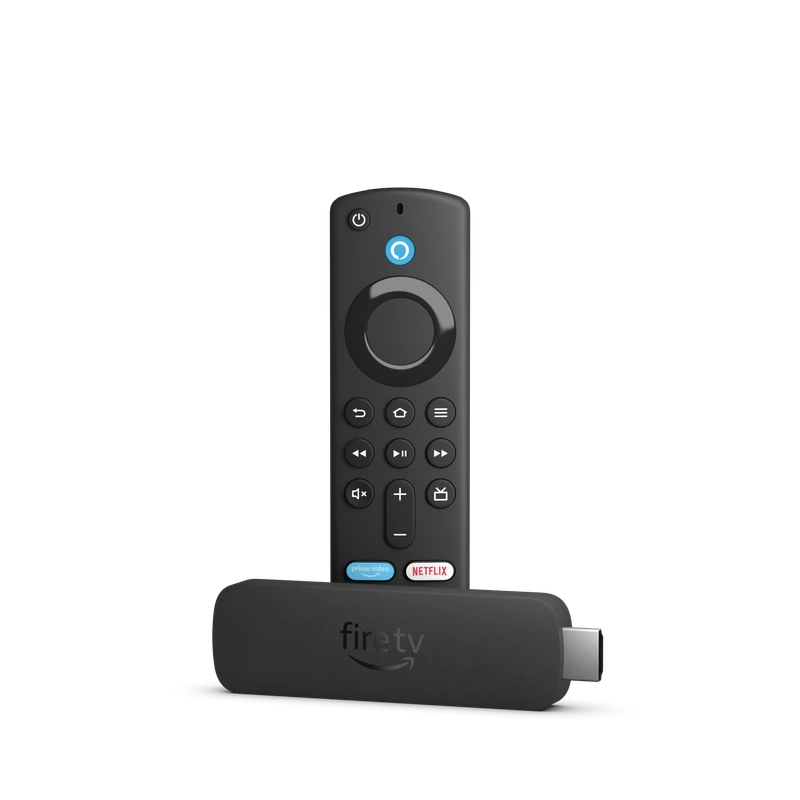
2023 Stick 4K image
Start with the exact model and its operating system. Fire OS and Vega OS require different software routes; an APK instruction should never be applied only because the device carries the Fire TV name.
Find your setup ↗
Google TV Streamer image
Check the store listing for a remote-friendly television edition. A Google TV interface, the underlying platform and a particular streaming device are related parts of a setup, each with a different role.
Find your setup ↗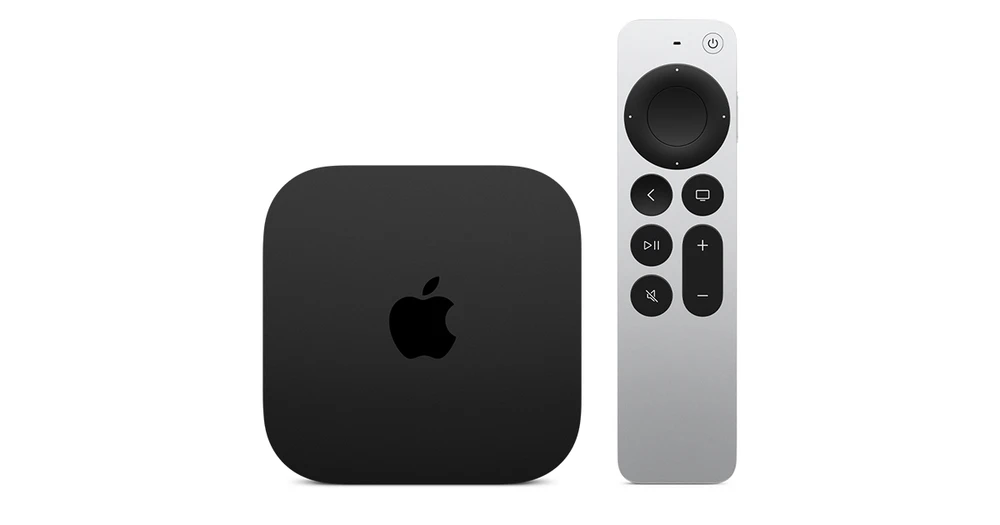
Apple TV 4K image
Choose a tvOS app for the Apple TV hardware. Keep the box, the Apple TV application and a separate content subscription distinct when comparing instructions or software costs.
Find your setup ↗
Tizen platform mark
A Samsung television uses its own app platform. Check the exact TV model, store region and supported player listing before choosing an installation guide or paying a software fee.
Find your setup ↗
webOS platform mark
Use the webOS route for your LG television. App availability, storage and the model year can affect the next step. A guide for an Android television is a different set of instructions.
Find your setup ↗
VIDAA platform mark
Look up the actual television model and the applications offered in its own store. A manufacturer name alone cannot tell you which player is available on a VIDAA device.
Find your setup ↗
Android platform mark
Use the mobile edition and check its permissions and playback controls. Touchscreen navigation, background behaviour and account privacy deserve their own setup, rather than copied television instructions.
Find your setup ↗
Windows 11 mark; Mac guide also linked
Choose software for the computer’s operating system and use an authorised playback source. A useful first test separates whether the application opens, the account is accepted and the media actually plays.
Find your setup ↗A closer look at the interface
See the original player references, then use the guide for the application and device you actually choose.
Software with a separate identity
A player is the part you use every day: the menu, favourites, playback controls and programme guide. The right choice depends on the device and on the access method your authorised service provides.
Check the application name, publisher and platform edition. An app fee pays for software under that developer’s conditions. Your service subscription and any independent platform memberships remain separate arrangements.

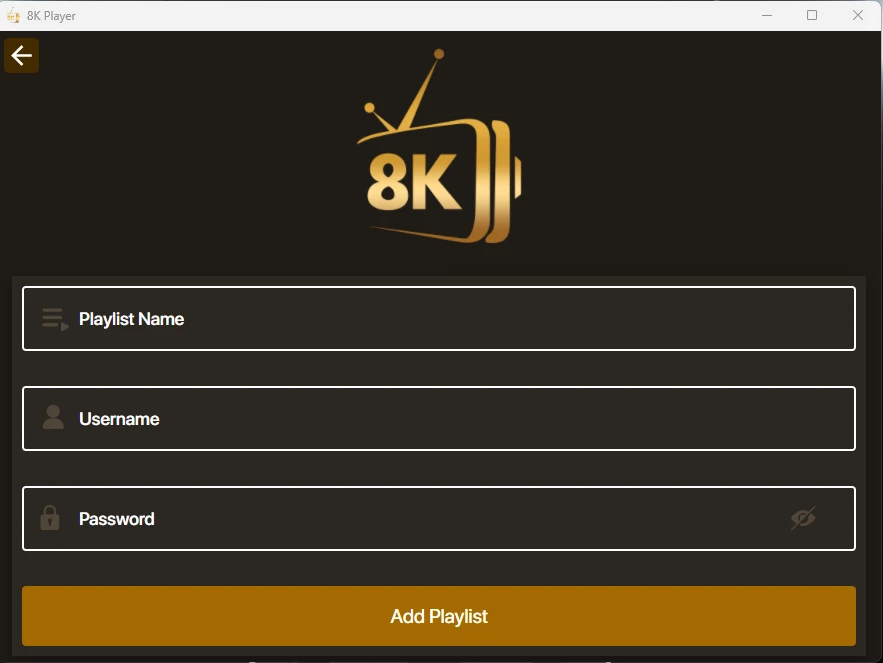
The features behind the labels
Use the function you need as a comparison point. Individual player features and the account’s available functions should be checked separately.
A scheduled programme plays as the channel or service transmits it. Check the exact channel edition, territory and authorised viewing route when a particular live programme matters.
Select a particular film, series or episode rather than a channel’s current schedule. Subscription inclusion, rentals, purchases and add-on memberships can be separate options.
An EPG attaches programme listings to channels. Correct channel mapping, device time and guide offsets help the listing make sense; a listing alone does not establish replay availability.
A well-organised player can make a large list easier to use. Look for controls that work with your remote or touchscreen, and keep a small set of channels or titles you actually use.
Audio language, subtitles, captions and audio description serve different needs. Check the controls on the actual programme and device instead of assuming every item has the same tracks.
Source format, compression, device decoding, HDMI, display settings and the player all shape the result. A 4K television or an 8K logo does not establish the resolution of every stream.
From the first whistle to the last lap
Our sports guides explain the competition and the details to verify. Confirm current UK rights, the specific event and the authorised viewing route separately from a UK IPTV plan.

Football
Start with the club, fixture and date. A league table, a live match and a highlights programme answer different questions; the current broadcaster listing is the place to verify the particular coverage.
Explore the competition ↗
European football
Distinguish the competition phase, fixture and match leg before comparing listings. Club names and television listings can recur across different competitions and replay programmes.
Explore the competition ↗
Race weekends
Practice, qualifying, sprint sessions and the Grand Prix are separate programme entries. Use the session name and a dated UK start time when you check the weekend schedule.
Explore the competition ↗
Tennis
A day’s coverage can include several courts, changing match order and highlights. Follow the tournament’s order of play and identify the court or player rather than treating one channel name as the whole event.
Explore the competition ↗
Cup football
Qualifying rounds, the competition proper and the final have their own context. Match the round and fixture to the programme you want before checking the current viewing route.
Explore the competition ↗
International rugby
Check the exact competition and fixture: senior, women’s and age-group tournaments have distinct schedules. Keep the commentary language and the live or highlights format in your viewing question.
Explore the competition ↗Television with a local character
Use these references to understand programme names, regional editions and application roles. Ask for the current UK IPTV package details when you need to confirm a particular channel or feature.

BBC programmes & regional context
Look at the programme, live channel and regional edition you mean. BBC iPlayer account, device and TV Licence requirements have their own guidance.
Read the broadcaster guide ↗
Live and on-demand choices
Identify the specific programme and viewing mode, then check the current app, account and device conditions. A free collection and a paid tier are different choices.
Read the broadcaster guide ↗
Channel and streaming brand
A television channel and a streaming collection can carry the same familiar name. Check the exact programme, edition and live or on-demand option.
Read the broadcaster guide ↗
Scottish viewing context
STV regions and the wider player catalogue serve different viewing questions. Use the guide to separate the local channel from the application and its available programmes.
Read the broadcaster guide ↗
Welsh-language programmes
Programme language, subtitle options and the available edition each matter. Look up the specific S4C programme and accessibility options you want to use.
Read the broadcaster guide ↗
A familiar name, a specific programme
Check the current programme page and supported application for the broadcaster. Retain the exact series, episode and viewing mode when you ask about access.
Read the broadcaster guide ↗Made useful for UK homes
The United Kingdom is one market with several regional viewing contexts. A useful guide keeps the edition, language, viewing mode and clock visible.

Local news depends on the regional service and transmitter or postcode context, rather than a single England-wide bulletin. Keep the exact BBC or ITV edition with the programme name when you compare schedules.
Read the regional guide ↗
STV and ITV regional context, BBC Scotland programmes and Gaelic-language viewing raise different questions. The channel name, application and language option should each be explicit.
Read the regional guide ↗
Welsh-language S4C programmes and Welsh regional services need clear labels. The spoken language, subtitles and the particular programme edition are separate choices.
Read the regional guide ↗BBC Northern Ireland, UTV and services aimed at the Republic of Ireland are distinct contexts. A familiar programme title does not establish the same edition or viewing availability on both sides of the border.
Read the regional guide ↗The licence question
You need to be covered by a TV Licence to watch or record TV programmes live on a TV or streaming service, and to watch or download BBC programmes on BBC iPlayer. TV Licensing identifies an exception for S4C programmes on demand. The device you use does not remove the requirement.
A service subscription and a TV Licence cover different things. Use the official guidance to check your household’s circumstances and only access content you are entitled to watch.
Check TV Licensing’s official guidance ↗The clock question
First check the device clock, its time zone and any EPG offset. The UK uses GMT after the autumn clock change and BST during the summer period. A fixed offset left in a player can make an otherwise correct guide appear one hour early or late.
Compare one known programme with the broadcaster’s dated schedule before changing every channel. GOV.UK documents the March and October clock changes; a match venue’s local time may be different again.
Follow the GMT/BST guide ↗Practical help, without the guesswork
Separate the symptom from the possible cause, then follow a test you can repeat.
Buffering can involve the home network, the player, device decoding or an individual source. A single speed-test number does not tell you which part needs attention. Start with a small comparison using the same device and the same programme.
If your device has an Ethernet connection, a cable can help you compare it with Wi-Fi. Ofcom also recommends considering router position and household wireless conditions. Brick walls, distance and nearby equipment can affect a signal before it reaches the television.
Make a note of what changed and what stayed the same. That gives support a much more useful starting point than repeatedly changing every setting or buying a faster broadband package without identifying the problem.
Read Ofcom’s home Wi-Fi advice ↗For reseller & business enquiries
Separate household subscription terms from reseller credits, wholesale discussions and distribution responsibilities.
60 · 120 · 300 · 600 credits
A reseller arrangement starts with what the credits buy, the complete GBP total and who handles each part of customer provisioning and support. The tier quantity by itself does not establish a subscription duration, account allowance or margin.
Ask for the conversion, expiry, restrictions and any renewal rules in writing. Discuss the player and account methods you intend to offer and the responsibility for customer queries. Keep the credit purchase and the terms of any service access clear.
The four tier pages prepare quotation enquiries. Obtain the applicable commercial terms before purchasing credits or making promises to your own customers.
Prepare a reseller enquiry ↗Volume requirements
Describe the scale, account lifecycle and service scope you need. Agree supply, support and billing responsibilities before treating a volume enquiry as a confirmed arrangement.
Explore wholesale ↗Responsibilities & permissions
Define the rights, territory, parties and customer responsibilities involved. Distribution is a separate commercial conversation from buying a bundle of reseller credits.
Explore distribution ↗Know the party involved
Understand which party operates the service, which supplies access and which develops the player. Clear roles make technical escalation and commercial questions easier to direct.
Understand provider roles ↗The details after the first day
A useful account record makes an access problem, renewal or purchase question easier to explain.
Before the term begins
Retain the selected term, full GBP total, start arrangements, connection allowance and agreed conditions. Keep a player store receipt separate from the service record so you know what each payment covered. Ask about a requirement before payment when it will determine whether the setup suits you.
Read the account guide ↗Before the term ends
Ask about the current expiry, the term you want next and the agreed renewal start. Confirm the current total and conditions rather than assuming a previous price or an automatic extension. Use a private account reference and keep passwords and complete playlist addresses out of an ordinary support message.
Discuss your renewal ↗A wider world of viewing
If you are comparing international programmes or planning to travel, start with the destination’s own broadcaster and account conditions.
 Ireland
 France
 Germany
 Spain
 Italy
 Netherlands, Kingdom of the
 United States
 Canada
 Australia
 India
 Pakistan
 Portugal
Explore broadcaster names, languages and local viewing questions across 249 countries and territories, plus separate guides for the four UK nations. The directory is a reading resource; a flag does not establish local offices, account portability or service availability.
Explore the complete country directory ↗The UK IPTV journal
Go deeper on prices, trials, screens, TV Licence questions, UK programme clocks and home-network choices.

Compare duration, total cost and separate app charges without confusing an upfront term with a monthly debit.

Use a short trial to answer practical questions without treating a brief session as a long-term guarantee.

Plan a household setup without confusing signed-in hardware, personal profiles and concurrent playback.

Understand the main UK distinction between live television, BBC iPlayer and other on-demand viewing, with routes to detailed guidance.

Understand UK clock changes, event listings and programme-guide timezones without changing the wrong setting.

Compare local connection routes without assuming a cable repairs every streaming problem.
Questions, answered
Clear answers for subscription, player and setup questions—without losing the conditions that matter.
Start with the question that changes your decision. These answers use the same approved GBP totals, contact details and trial route as the plan pages.
Explore all 300 FAQ answers ↗Need to explain your own setup?
Contact UK IPTV ↗
IPTV means television delivered using Internet Protocol networks. It describes a delivery method rather than one particular company, application or catalogue. Live channels and on-demand programmes can both use internet delivery, but their availability, account requirements and viewing rights depend on the actual service.
A player displays media using supported account or playlist formats. A provider supplies the service and its commercial terms. The two can be separate organisations, so software support, app purchases and subscription questions may need to go to different places.
The one-month UK IPTV plan costs £7.49 for the complete one-month term. This is the full-term total rather than a quoted recurring monthly debit. Use this shorter period when comparing your initial commitment, and clarify the account allowance and any separate player charge before ordering.
The three-month UK IPTV plan costs £18.99 for the complete three-month term. The amount covers that whole period; it does not mean £18.99 every month. Confirm the final order details and any separate application charge when planning your overall viewing budget.
The six-month UK IPTV plan costs £29.99 for the complete six-month term. Keep the duration beside the amount when comparing offers. A longer period is a larger initial commitment, so resolve essential device and viewing questions before selecting the term that suits you.
The twelve-month UK IPTV plan costs £40.99 for the complete twelve-month term. This is the full-term headline total. Retain the agreed order details for your records, and establish the applicable renewal arrangement separately rather than assuming a future price or automatic renewal.
It means the displayed amount relates to the whole named subscription period. For example, £18.99 is the total for three months. A monthly equivalent is a comparison calculation: it does not change the complete amount or turn the offer into an instalment plan.
An IPTV service price and a player's own charges are different commercial items. Do not assume that buying one pays for the other. Confirm whether your intended application has a separate licence, purchase or subscription requirement before making a combined budget.
The duration of a plan does not establish its simultaneous-stream allowance. Those are separate offer details. Obtain the allowance for the exact account you are considering, particularly if two people may watch at the same time on different devices.
Install your compatible player, then WhatsApp IPTV UK at +44 7532 814802 to request a one-day free trial. Confirm current availability, eligibility and any conditions with support. The request is an enquiry; it does not automatically create or activate an account.
Having the intended player ready can make the setup conversation more focused. First establish that the player suits your device and the account format being offered. Installing software alone does not supply service credentials or create a trial entitlement.
The gold 8K emblem forms part of UK IPTV's branding. It does not mean every programme has a native-8K source. Resolution depends on the individual video and the complete player, device and display arrangement, so distinguish the brand mark from a programme's actual picture specification.
No. A logo identifies a broadcaster or feed. It does not prove an active carriage arrangement, current availability or a partnership. Use the current offer and a specific availability answer when deciding whether the programmes you want are covered.
A platform logo does not grant a separate membership or login. Independent streaming services have their own accounts and terms. Any access included with a particular offer needs to be stated explicitly; a familiar image cannot replace those account and subscription details.
EPG stands for electronic programme guide. It presents channel schedules, programme names and times when guide data is available. Guide information and video playback are separate components: one may work while the other is missing or displaying an incorrect time.
Give the duration you are considering, your main viewing device and the questions that affect your decision. You can contact UK IPTV on WhatsApp at +44 7532 814802. Keep passwords and working playlist links out of an initial sales enquiry.
An initial offer does not establish a future renewal price. Retain the term and amount you agreed, then obtain the applicable renewal details when you need them. This avoids relying on an old image, cached page or a price from another brand.
Do not assume that one account permits sharing across households or locations. Account-use conditions and simultaneous-stream allowances need their own answer. Explain the arrangement you intend to use so the relevant terms can be clarified before a purchase.
A service price should not be treated as a hardware bundle unless the offer explicitly says so. A streaming box, remote, television and third-party application can be separate purchases. Work from the actual items included in your confirmed order.
Resolve the discrepancy before payment. The published term totals are £7.49 for one month, £18.99 for three months, £29.99 for six months and £40.99 for twelve months. Send the conflicting page or image to support so the applicable offer can be clarified.