

How to identify your Fire TV model and operating system
Find the exact Fire TV model before choosing a player, with a practical explanation of Fire OS, Vega OS and app availability.
The UK IPTV guide
Choose the exact platform before installing a player. Hardware, operating systems and app stores are different parts of the setup.
71 guides
No guides match. Try a shorter term or reset the filter.
Find the exact Fire TV model before choosing a player, with a practical explanation of Fire OS, Vega OS and app availability.

Use the official Fire TV store, check the publisher and distinguish app purchases from a separate viewing account.

Understand why Android APK instructions cannot be reused on Vega, and how to verify an authorised app source before installation.

Install through the Google TV app search, check the profile and account format, and run a useful first playback test.

Find a TV-compatible Play Store app, enter the correct account format and diagnose remote-control and playback problems separately.

Choose the official Android app, understand media and network permissions, and separate mobile playback from casting support.
Use Samsung’s Apps area, distinguish Tizen from Android and recover from an app that will not open without immediately resetting Smart Hub.

Use the LG app catalogue, check the TV region and storage, and distinguish a webOS player from an Android app or an HDMI device.

Identify a VIDAA TV, use its own app environment and distinguish a missing native player from a network or account problem.

Use the Roku Store, recognise linked-account behaviour and avoid treating a Roku as an Android APK device.

Separate app casting from screen mirroring and diagnose discovery, account and playback problems in the right order.

Trace the complete SHIELD-to-TV connection, distinguish source quality from output settings and isolate an AV receiver or audio delay.
Distinguish the device clock, player time zone and guide-data offset before correcting a GMT or BST programme-guide mismatch.
Use repeatable comparisons to separate a weak wireless link, a wider connection problem and an individual stream failure.

Identify an applicable Infomir MAG device, use the correct external-portal route and avoid confusing a portal URL with an M3U playlist.

Choose an Apple TV player through the tvOS App Store, understand app charges and keep the player account separate from an IPTV subscription.

A practical iPhone and iPad setup flow covering the App Store, account formats, private screenshots and the difference between installation and service access.
Understand AirPlay video playback, Screen Mirroring, receiver selection and a focused approach to connection or sound problems.

Use VLC’s Windows network-stream input, keep private addresses secure and distinguish player, source and computer problems.

Choose the appropriate VideoLAN download for your Mac, open network media and keep audio-output, account and browser questions separate.

Identify the MYTVOnline generation and account format before entering a portal or playlist. The manufacturer supplies the player, while the service supplies access details.
Record the installed version through the update tool appropriate to your model, then follow a genuine update notification rather than a copied firmware filename.
Find the correct MYTVOnline entry in the device’s app settings and distinguish the cache action from the separate data-reset action before selecting either.
MYTVOnline 3 separates obtaining updated content data from applying it to the current view. Complete both stages before deciding that a refresh failed.
Launcher protection and MYTVOnline protection have separate settings. Identify which screen is asking for a PIN before changing a code.
Enable CEC on both devices where supported, then test power and remote-control behaviour separately so unwanted linked actions are easy to identify.
Picture-in-picture needs supported sources and a suitable multi-connection account. An extra window is not automatically included just because the player exposes the feature.
Check recording permissions and storage, make a short test recording, then verify that the saved result plays before relying on a long programme.
Use the actual programme-guide entry or a deliberate manual time slot, inspect the saved schedule, and test the device’s power behaviour before an important recording.
Concurrent recording and viewing depend on the account format, multiple permitted connections and supported storage—not just a recording button on the remote.
A watchlist follows selected guide events; it is different from a permanent favourite-channel group and depends on suitable EPG information.
Read the category attached to a search result so a channel, scheduled programme, recording and on-demand title are not mistaken for the same viewing option.

Use Ubuntu’s software manager or the installation route documented by VideoLAN, then verify the application before adding private service details.

Use Debian’s package record to identify the player and its components, rather than assuming a downloaded library is a complete VLC installation.

When a Linux player opens but cannot see a file, distinguish sandbox access from the file’s format, location and availability.
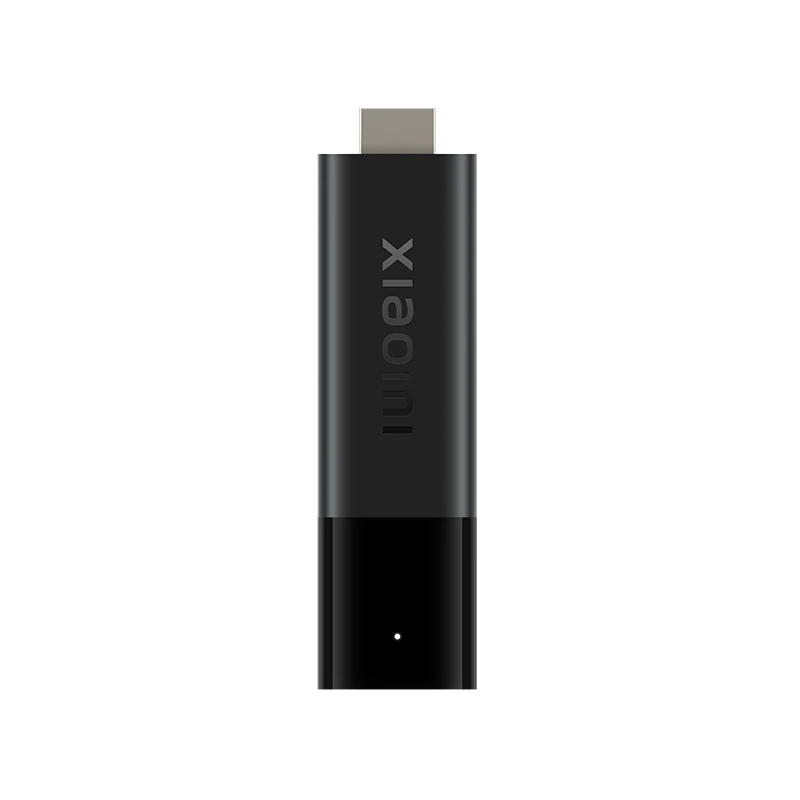
Identify the first-generation 4K stick before following installation advice; its Android TV platform differs from the newer Google TV presentation.

Plan HDMI, power, network and optional USB connections on the actual second-generation box before choosing software for its Google TV interface.
Compare the accessory and box separately before considering a factory reset for a USB problem. Protect files and recovery information first.
A Micro USB socket does not establish general-purpose USB-host or Ethernet support. Read the second-generation stick’s own storage and connection limits.
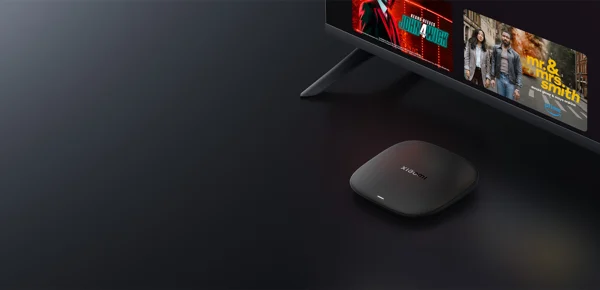
Read the third-generation box’s specifications before transferring assumptions about ports, storage or audio from an earlier Xiaomi product.
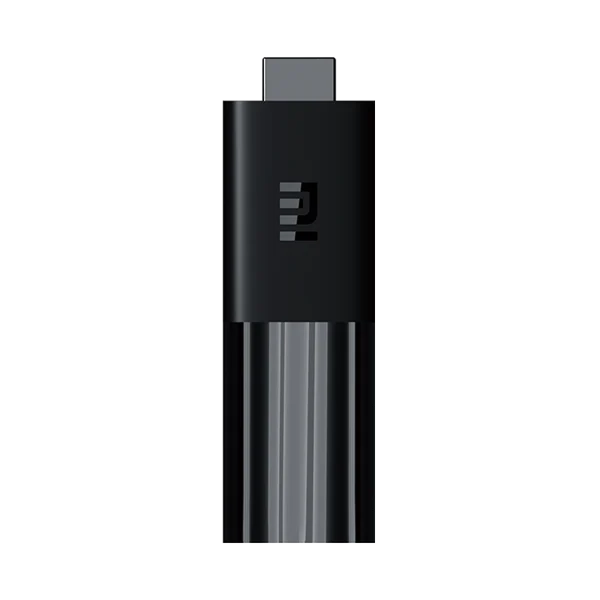
Start with power and the selected HDMI input, then consult the exact model’s recovery guidance before considering a reset.
Preserve local configuration through the matching backup controls, while keeping the backup separate from service rights or cross-device migration.
Use the Z11-specific identifier shown by MYTVOnline 3 when a service requests its portal identity; do not substitute another network address.

Use Linux Mint’s documented codec option when an applicable format needs it, while keeping decoding separate from access to a private source.
When sound comes from the wrong speakers, inspect the desktop output selection and test it before changing the video source.

Use display identification and an intentional projection mode so the player appears on the television without confusing an extended desktop with a missing picture.

Use the manufacturer’s cache and unused-app controls, then check the specific free-space or installation problem without confusing cache removal with every reset action.

Follow the warning’s documented power checks before changing applications or accounts, including the adapter, cable and any intermediary accessory.
Choose the intended device in Google’s mobile control app and use the television’s displayed pairing flow, keeping a control connection separate from a content subscription.

Choose the supported shortcut type for the star button and test the resulting action before relying on it as a household navigation shortcut.

Determine whether sound is early or late, identify the output path and adjust only the appropriate model-supported timing control.
When the picture reaches the television but sound does not, inspect the intended output and the Mac’s actual connection capabilities before changing a media account.

Use a repeatable spoken moment to compare subtitle timing and make a small reversible delay adjustment rather than changing the programme guide or system clock.
Choose the relevant subtitle track and compare a short voice/text moment through the Android player’s delay widget. Desktop keyboard instructions are a different interface.

Identify the simple infrared remote and give its signal a clear path to the device; voice-remote pairing instructions concern a different handset type.
Use VLC’s information panel to record the actual tracks before comparing a file with a device or player specification.
Pair the subtitle with the matching video edition, then use VLC’s documented subtitle-file controls and verify a short section.
Windows 11 24H2 changed default AC-3 availability; inspect the exact installation and player before assuming every computer has the same decoder.
If text loads with incorrect characters, inspect its encoding separately from subtitle timing, language and image-based subtitle rendering.

Kodi profiles can separate media information, sources and preferences. Choose those sharing options deliberately and keep the profile feature separate from account security.
A Kodi smart playlist filters library metadata. Select the media type and rule logic before treating an empty or overbroad result as a playback problem.
Sharing a library, discovering a server and controlling another player are separate UPnP roles. Enable only the documented role needed for your own local setup.
Match the supported SMB protocol range and the actual share path. A missing browse result does not justify weakening the connection to a legacy protocol.
Capture the current media and decoder details while the symptom occurs. Keep source-stream information separate from a television’s final output mode.

Kodi NFO files provide local library information. Their XML metadata does not contain or acquire the video, and a corrected existing entry may require a refresh.
A Kodi data backup preserves application state; the videos stored outside Kodi need their own backup plan.
Skip-step values and the interval for combining quick presses are separate settings. Test both before treating a larger-than-expected jump as a playback fault.
Clearing playback history and clearing the media database have different consequences. Preserve useful data before choosing a reset.
VLC’s media-library scan scope is chosen through folder inclusion. Select the relevant parent or individual subfolders, then verify what the library indexes.
Use one clear sound-and-picture event to adjust audio delay, then check another point in the same authorised sample before saving a persistent correction.
Set a start and end point around the desired passage. A-B repeat loops that interval, while queue repeat and playlist order are separate controls.